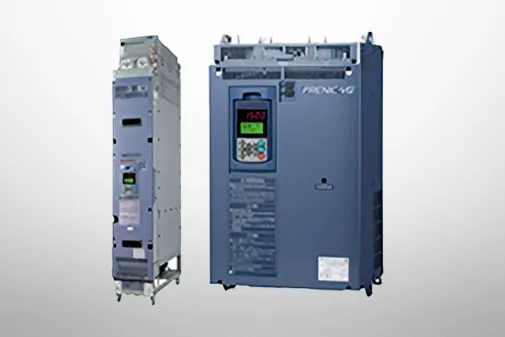
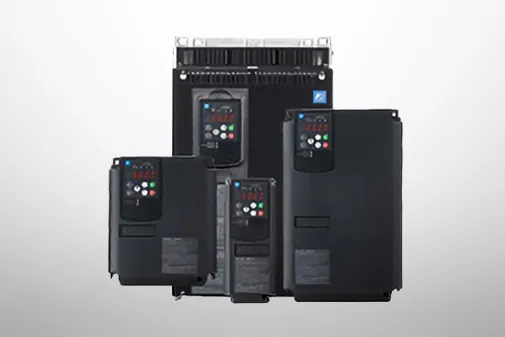
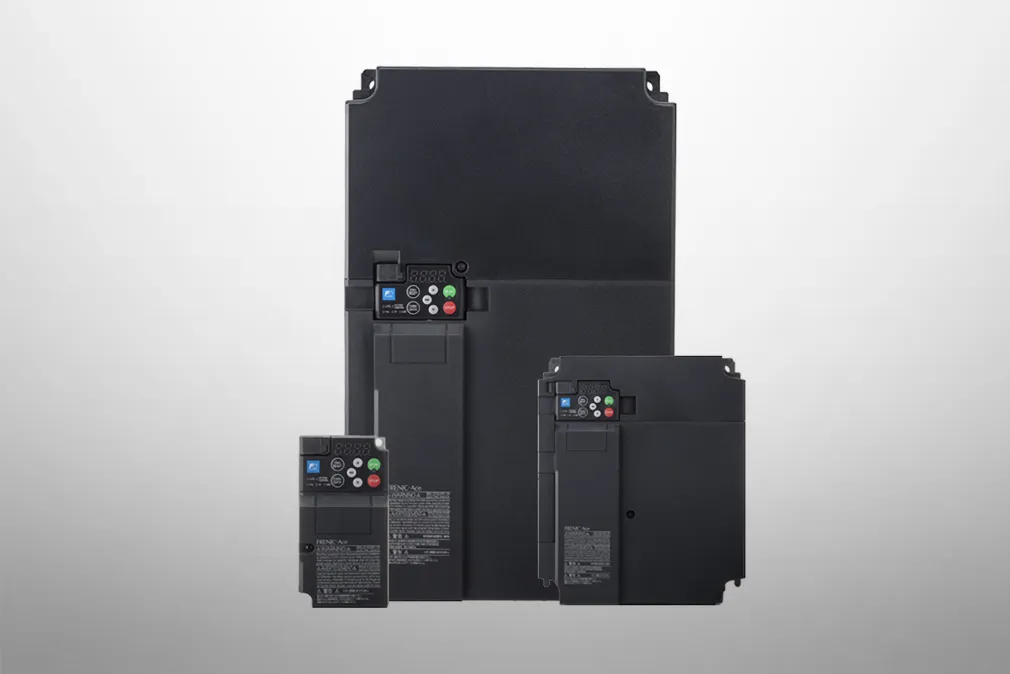
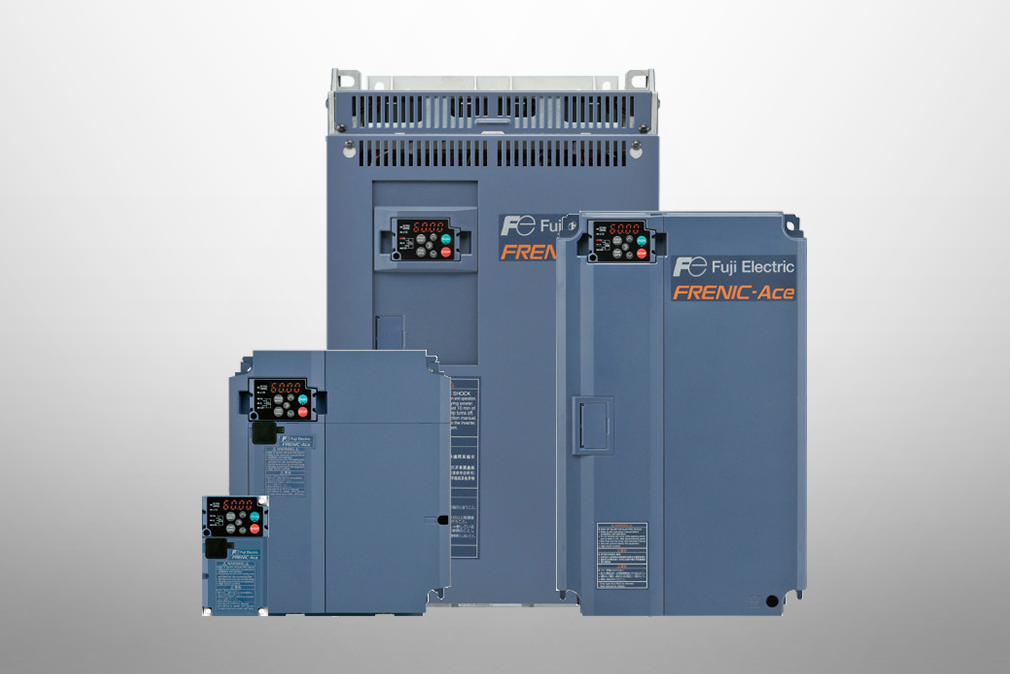
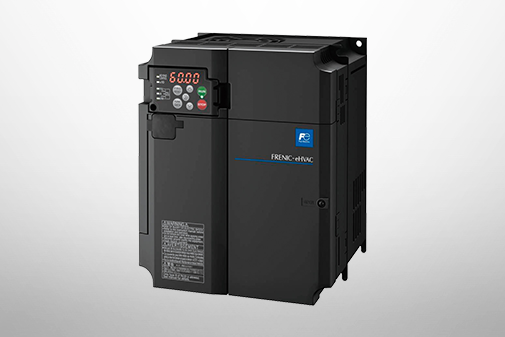
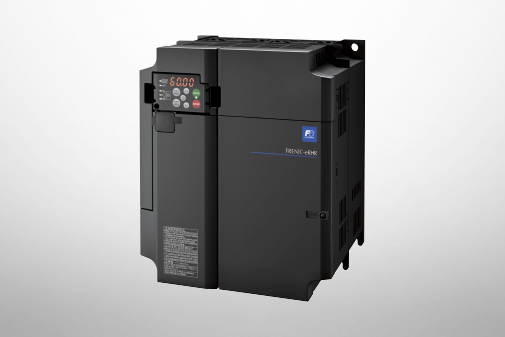
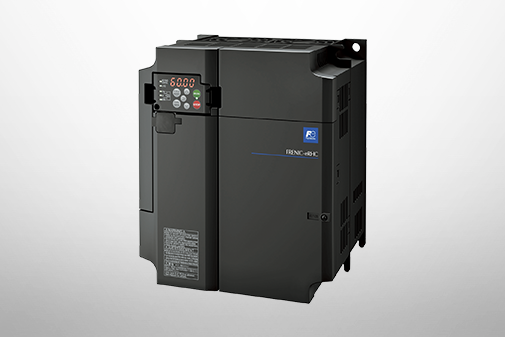
FRENIC-MEGA (G1)
Product Information | Supports for Simple Maintenance


-
Supports for Simple Maintenance
Supports for simple maintenance
Wide model variation
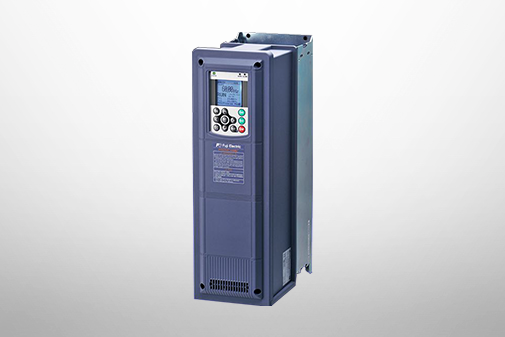
You can select the keypad suitable for your application, which improves usability.

Multi-function keypad Type: OPC-G1-J1 (Option)
Features
-
Back-lighted LCD with higher view-ability
-
A large 7-segment LED with 5-digit display
-
Quick setup data item can be added/deleted.
-
Remote/local switch key has been newly added.
-
Max. 3 sets of data can be copied.
-
Display languages:
・TP-G1-J1: English,German,French,Spanish,Italian and Japanese

Keypad with USB port Type: TP-E1U (Option)
The built-in USB port allows use of a personal computer loader for easy information control!
Improved working efficiency in the manufacturing site
-
A variety of data about the inverter body can be saved in the keypad memory, allowing you to check the information in any place.
-
Data can be transferred from the USB port of the keypad directly to the computer (personal computer loader) in the manufacturing site.
-
Periodical collection of life information can be carried out efficiently.
-
The real-time tracing function permits the operator to check the equipment for abnormality.
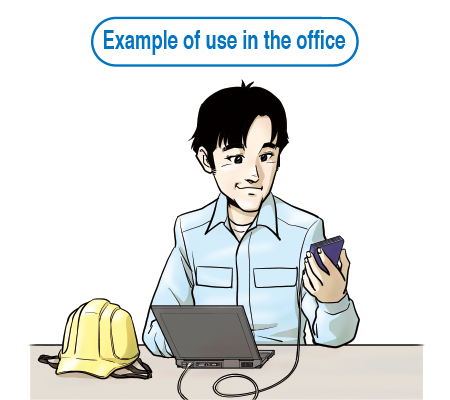
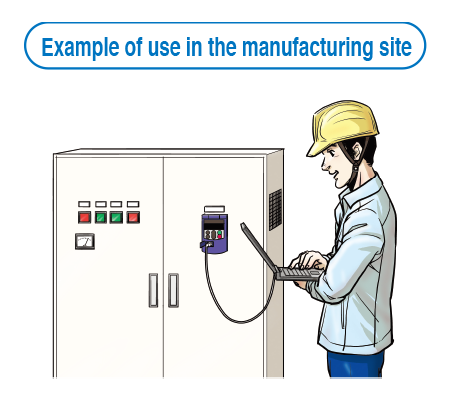
Features
-
1.
The keypad can be directly connected to the computer through a commercial USB cable (Mini B) without using a converter. The computer can be connected on-line with the inverter.
-
2.
With the personal computer loader, the inverter can support the following functions (1) to (5).
(1) Editing, comparing, and copying the function code data
(2) Operation monitor, and real-time trace
(3) Trouble history (indicating the latest four troubles)
(4) Maintenance information
(5) Historical trace

AC Drives (Low Voltage) Support
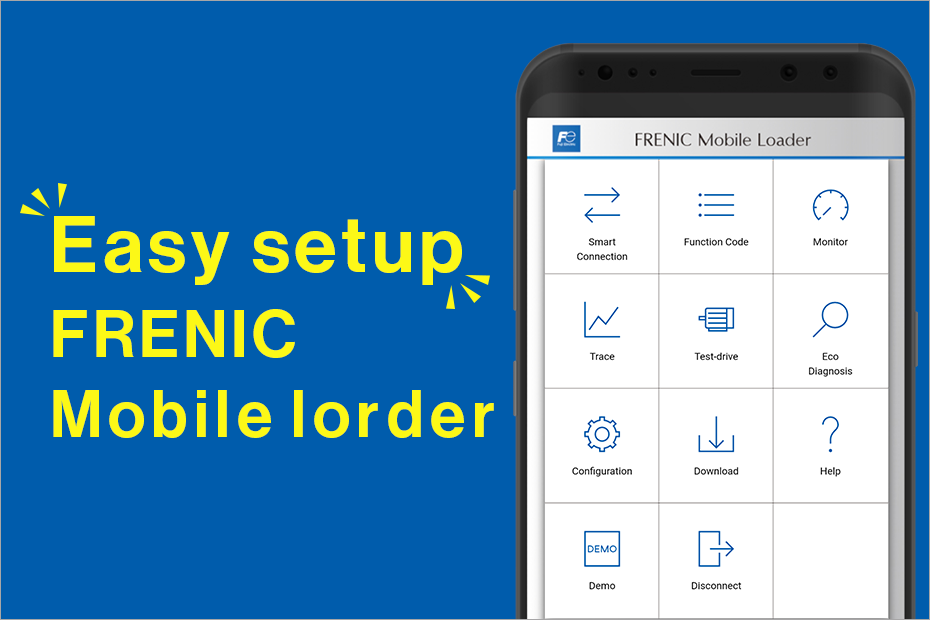
Easy setup and maintenance of low-voltage inverters!
Compatibility table between old and new models
Download documents
Column
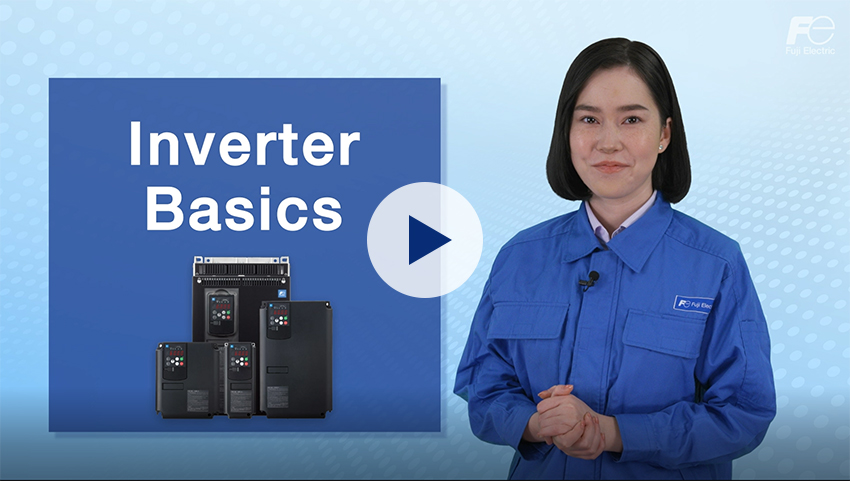
Understanding application, benefits, basic structure, case study, types, and Fuji Electric's inverters with this video.
December 27,2021

Understanding the basics: Differences between inverters and converters
January 20,2021

How and what does an inverter take control of? A brief explanation to grasp the basic structure.
January 20,2021

The fundamentals of inverters and their uses.
January 20,2021
Contact and Support
We also accept technical inquiries about products prior to implementation.
If any issues arise with the product, please contact your nearest branch.